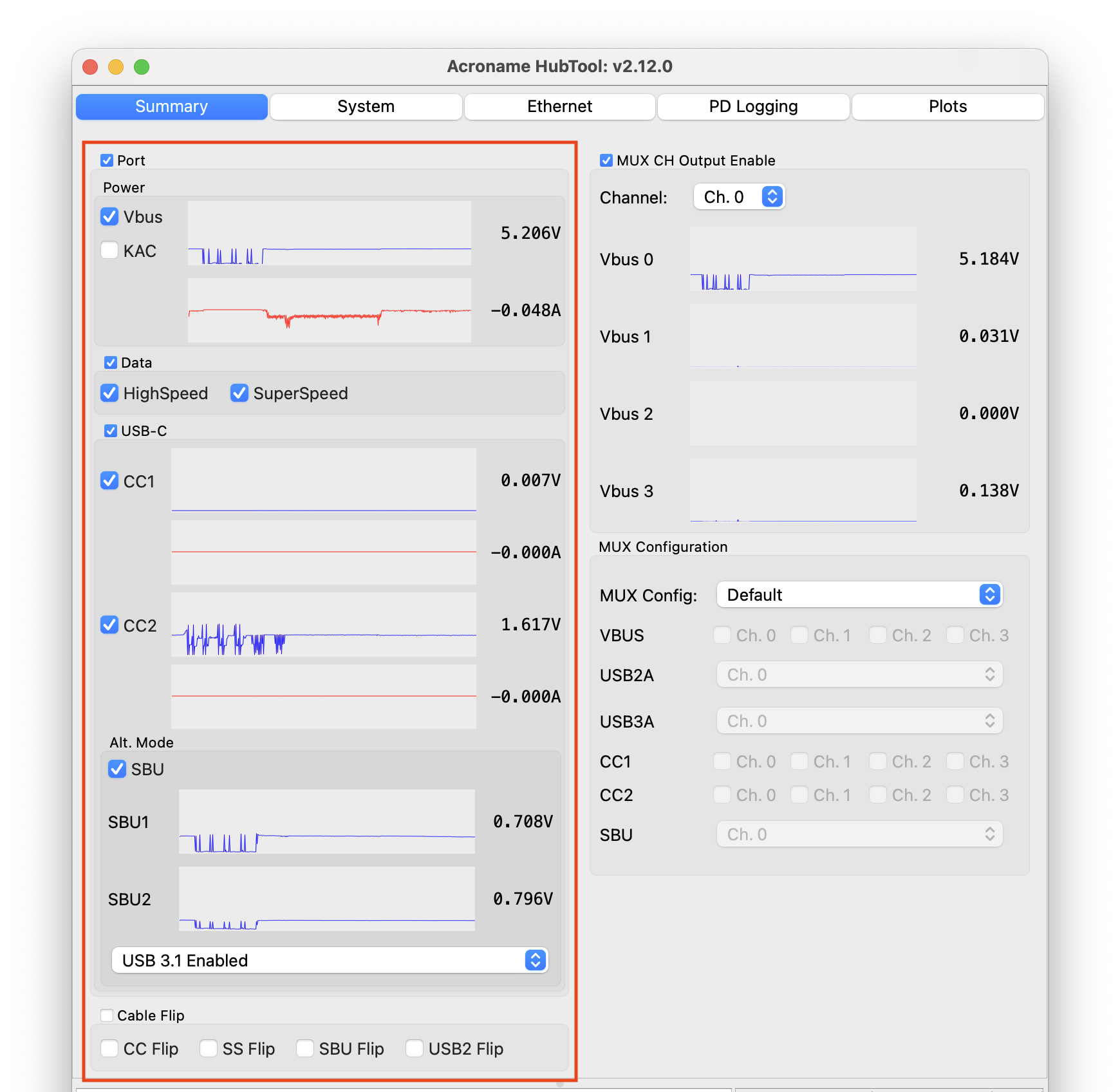
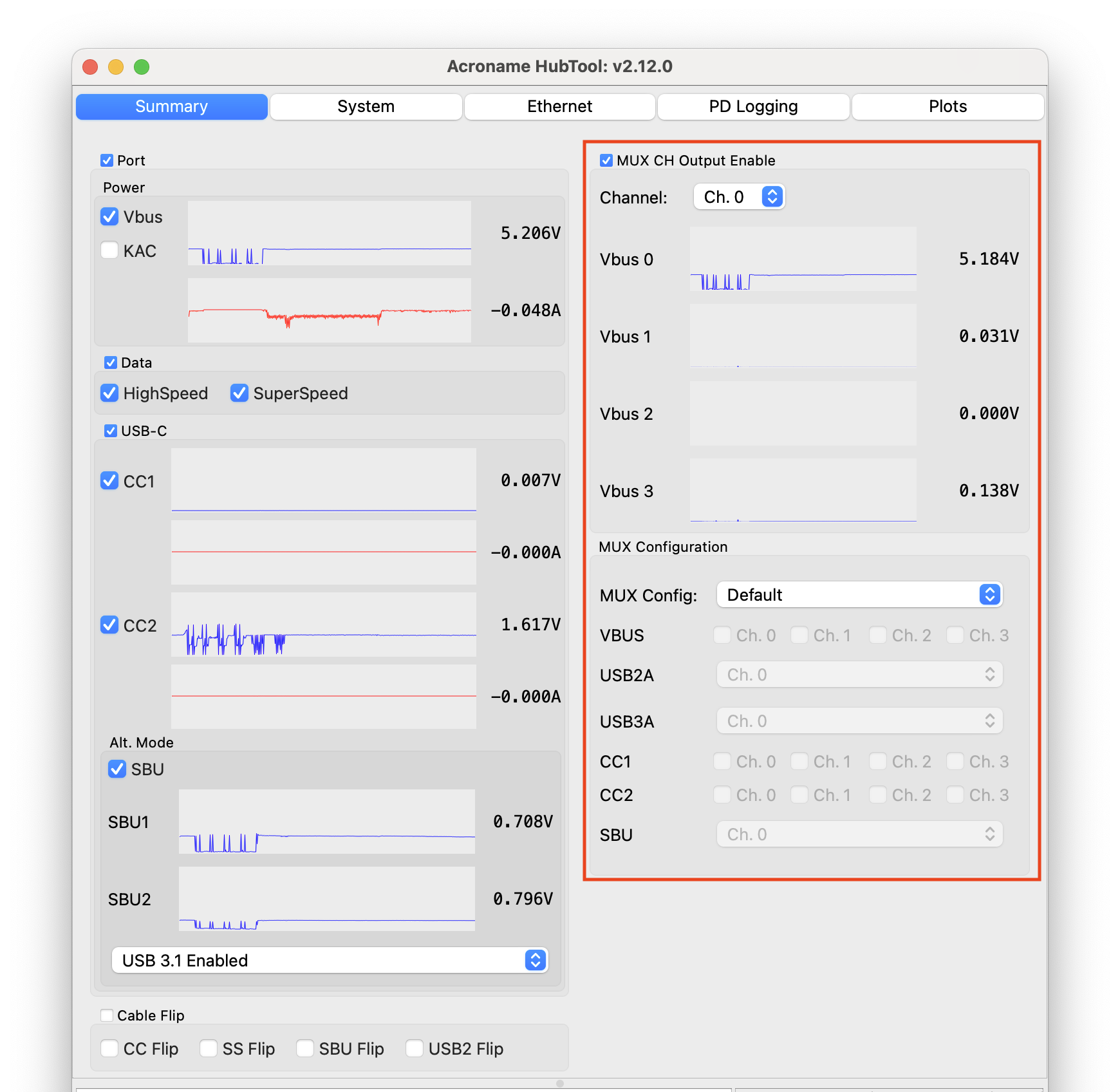
Port toggle – enables and disables all lines connecting the Common port to the selected mux channel
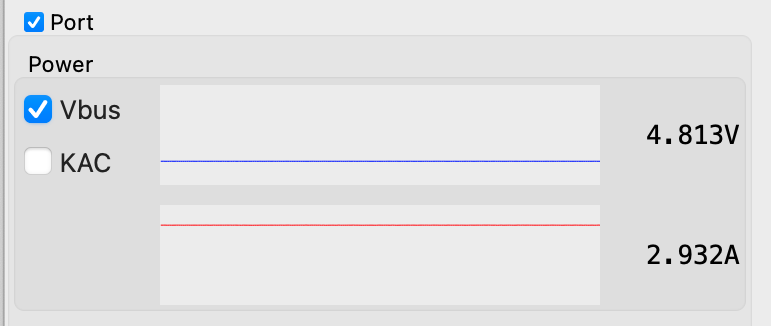
Vbus toggle – enables and disables VBUS lines
KAC toggle – enables Keep-alive charging (KAC)
Keep-alive charging helps keep battery-powered devices on the non-selected mux ports charged. When enabled, the KAC circuit connects power from the control port VBUS to all non-selected mux channel VBUS lines. See the API reference for more detail
VBus voltage and current plots – shows voltage and current for VBUS
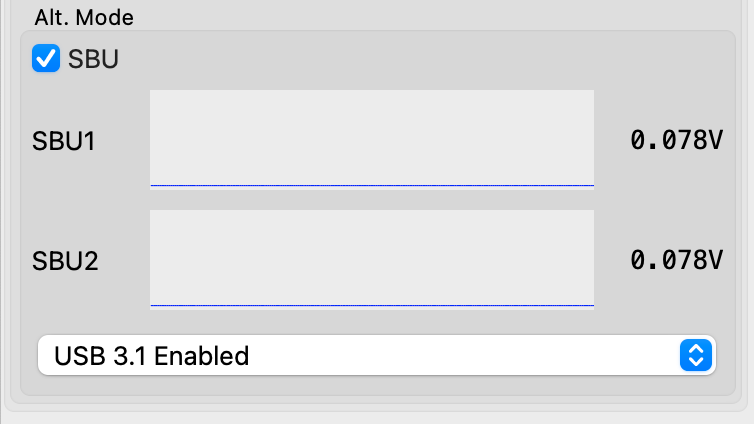
SBU toggle – enables and disables SBU lines. Used for Alternate Mode discovery, negotiation, and configuration data exchange
SBU1 and SBU2 voltage and current plots – shows voltage and current for SBU1 and SBU2
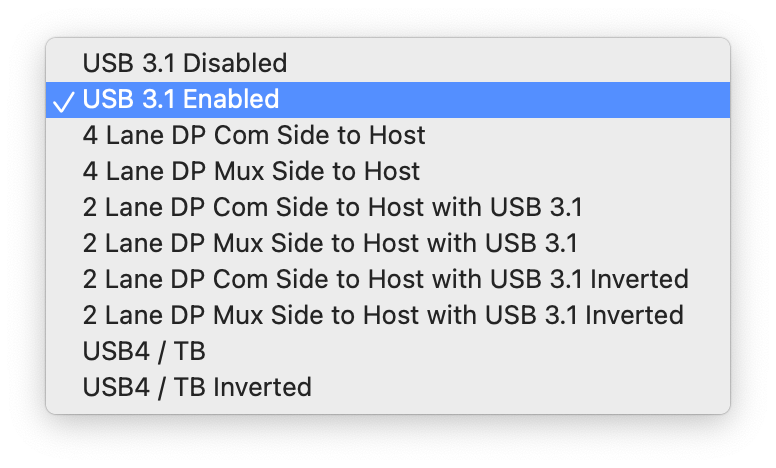
DisplayPort alt mode configuration menu
Alt Mode Configuration
USB 3.1 Disabled – no SS lines connected
USB 3.1 Enabled – SS lines connected
4-Lane DisplayPort – no USB 3.1 – Host on Common Port
4-Lane DisplayPort – no USB 3.1 – Host on Mux Port
2-Lane DisplayPort + USB 3.1 – Host on Common Port
2-Lane DisplayPort + USB 3.1 – Host on Mux Port
2-Lane DisplayPort + USB 3.1 Inverted – Host on Common Port
2-Lane DisplayPort + USB 3.1 Inverted – Host on Mux Port
USB4 / Thunderbolt 3
USB4 / Thunderbolt 3 Inverted
USB4 / ThunderBolt 3 and DisplayPort Alt modes use the SS lines, but change their direction. Since each redriver line can operate in only one direction at a time, the redriver direction needs to be set to match the mode being used by the host and device.
If device VBUS is not active, toggle cable flip or check cable orientations
In the Alt Mode menu, select the corresponding configuration depending on whether the host is on the Common or Mux port and the protocol used. For 2-lane DP and USB4/ TB, it may be necessary to try the inverted and non-inverted option
See the :ref: API reference <csp-alt-mode-configuration> for more detail.
Cable flip toggle – switches USB data, VCONN, and SBU lines from side A to side B as if the cable had been flipped. When using standard USB-C cables with USB-C-Switch Pro, one cable orientation will work, the other will need to be flipped physically, or by using the toggle.
CC, SS, SBU, USB2 flip toggles – individually flip each connection type
To enable automated cable flips for testing, use one Universal Orientation Cable for either the host or mux connection, and one standard cable for the other connection.
Default – switches all enabled USB-C lines to the single mux port designated by the channel selector
Channel priority – auto-selects the lowest-numbered mux port that has VBUS present. Allows simple automatic host selection
Split – allows each signal type to be independently connected to a mux port. VBUS and CC lines can be assigned to any combination of ports, while USB 2, USB3, and SBU can be assigned to a single mux port. See the Mux API reference for more detail